Multi-Group Management
Play with different groups? Manage them all from one account with completely separate rosters, rules, lineups, and statistics for each.
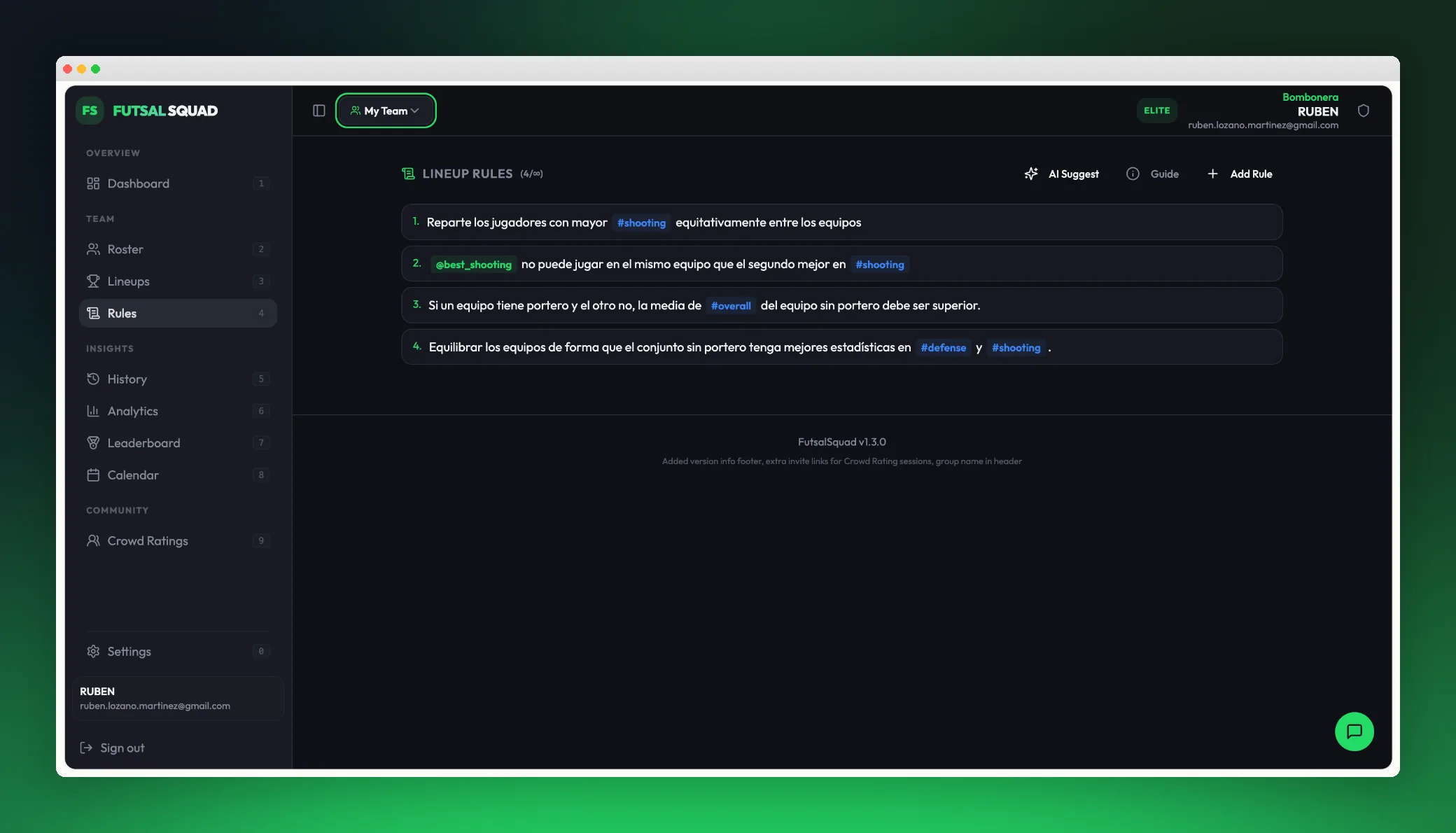
Fully Separated
Each group has its own roster, lineup rules, match history, and statistics.
Quick Switching
Switch between groups with a single click from the header. No logout, no hassle.
Independent Rules
Set different lineup rules for each group. What works for one doesn't have to apply to another.
Real numbers, full transparency
Live data from our database — no inflating, no tricks.
0
Managers
0
Players Rated
0
Lineups Generated
0
Active Teams
How does it work?
- 1
Create groups
Go to Settings and create as many groups as you need with descriptive names.
- 2
Manage separately
Each group has its own roster, rules, and statistics.
- 3
Switch instantly
Use the group selector in the header to switch between them.
Before vs After
Without Multi-Group
- • Mixing players from different groups into one roster
- • Rules that don't apply to all groups
- • Creating multiple accounts to separate teams
With Multi-Group
- • Each group fully separated from one account
- • Custom rules per group
- • Switch between groups with one click
Who is this for?
Active Organizers
People who organize games with different groups of friends or colleagues.
Sports Centers
Sports centers that manage multiple leagues or playing shifts.
Coaches
Coaches who work with teams of different categories or levels.
Explore more features
FAQ
How many groups can I create?
The free plan includes 1 group. Pro allows up to 3 groups, and Elite offers unlimited groups.
Are players shared between groups?
No, each group has a completely independent roster. A player can be in multiple groups with different ratings.
Can I move players between groups?
Currently players are added separately to each group. This ensures ratings are specific to each context.
Are lineups and stats per group?
Yes, everything is fully separated: lineups, history, rules, notes, and statistics are independent per group.